Okita's Hub
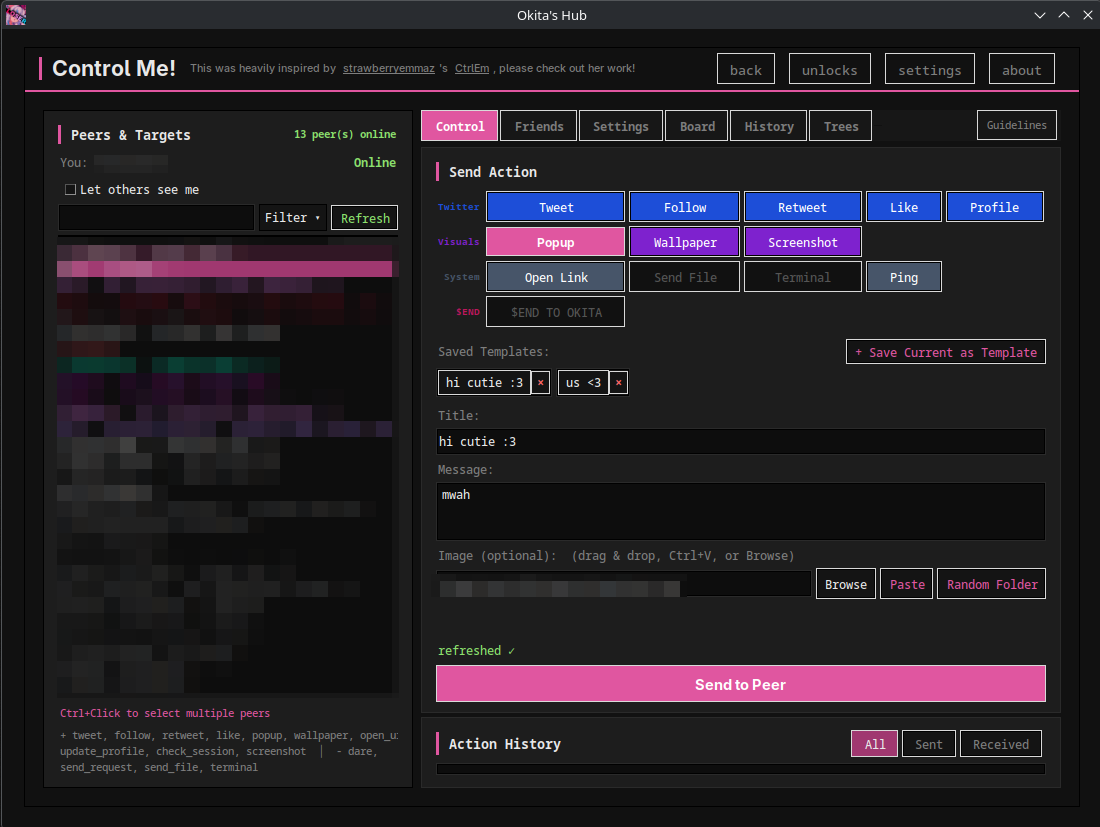
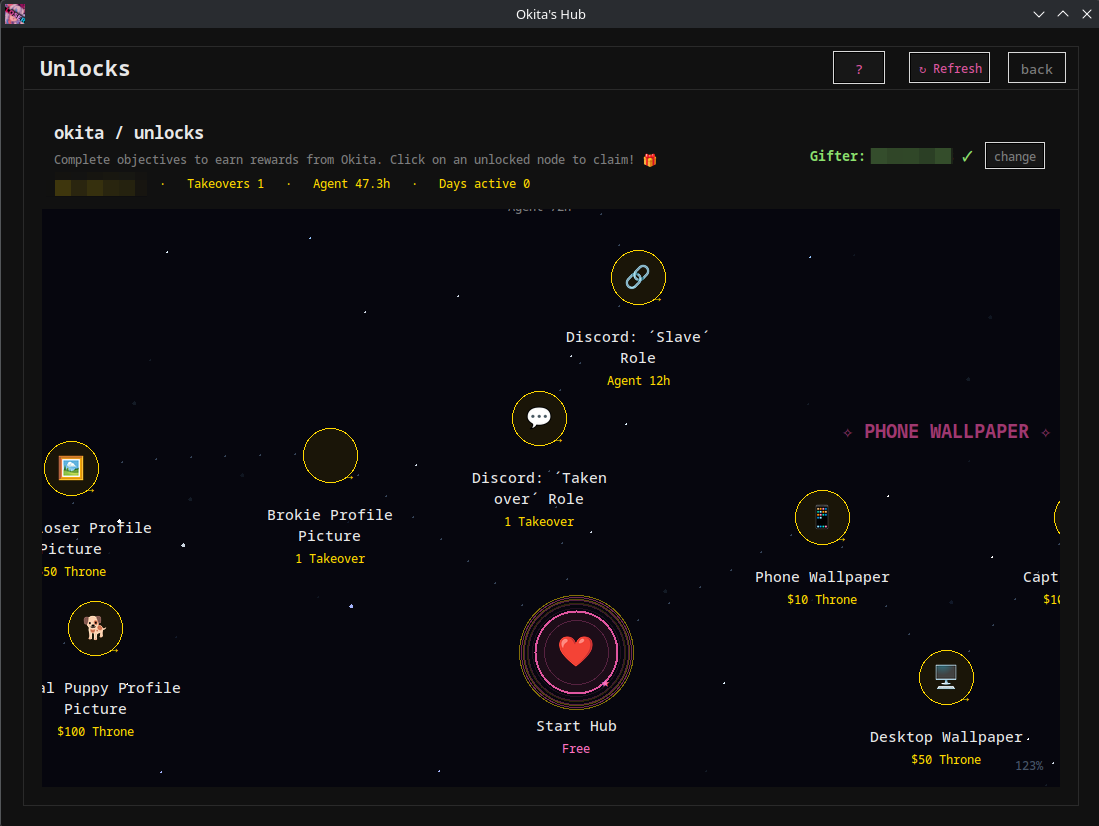
Okita's Hub is an app with many mini-apps inside it. Such as a Throne Autodrain which installs automatically, a full Twitter rebrand, and a background agent that runs and allows Okita to perform actions on your Twitter account without you seeing anything. Earn new profile pictures by sending on Throne, connect with other users through the Control tab, and so on!
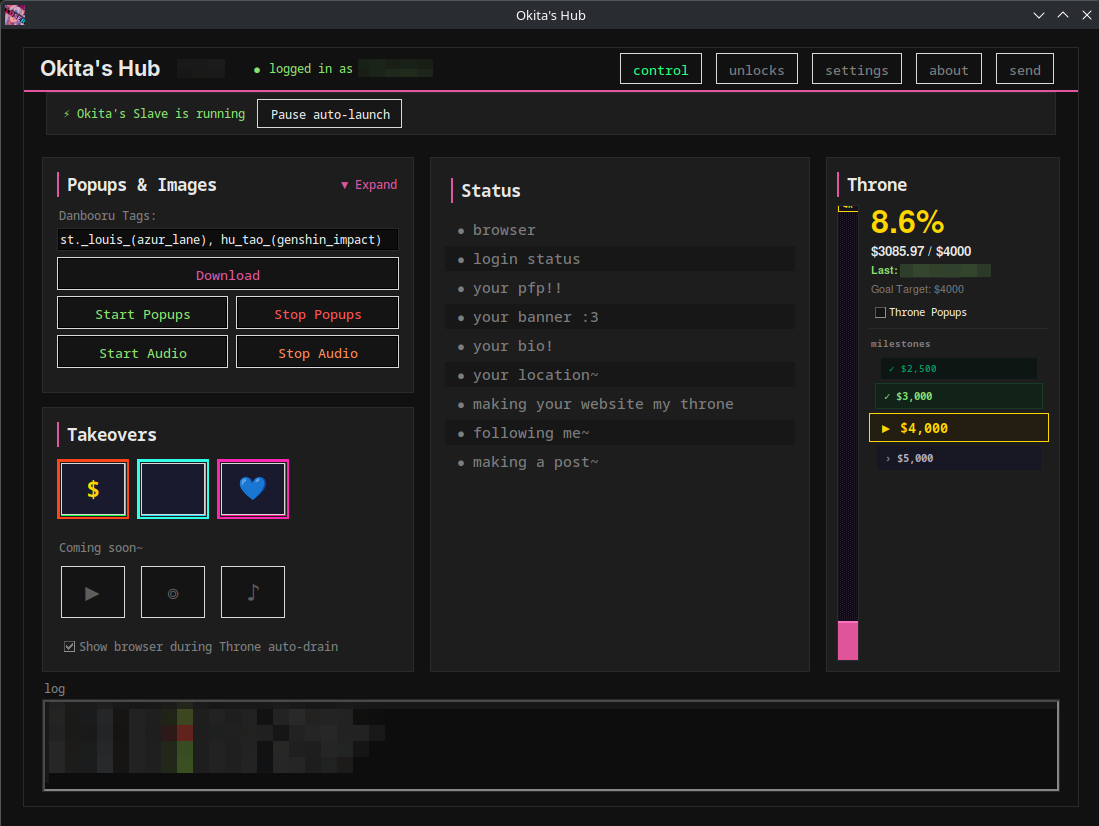
okitas_takeover.exeUpdated Throne autodrain again, hopefully for the final time!
Fixed Throne auto-drain AGAIN! I wanted to push a new feature before fixing this but I unfortunately didn't have time. New thing coming soon though! ^-^
Updated the Throne Auto-drain
Just a few bugfixes that were reported on the Discord
August 17, 2026 - Version v1.8.0 released!
Download
You can find the download for the packaged .zip file on the website, or simply update from the app directly!
What's new?
Update Highlights:
- You can now create your own takeovers/rebrands on the website, and people can import and use them directly on the app with the
+ Get more characters!button below the base takeovers! - Popup Displaying was upgraded: 1–100 size slider with live preview based on your monitor size, which ones to use, where to spawn the popups, opacity, auto-dismiss timer, and fade-out
- In the general settings, added the ability for you to change the cache folders (where Popup pictures are saved by default with the Danbooru Scraper and where files received via Control app go)
- Small overhaul of the Action Tree editor
- Added a History search filter
- Added a new action in control tab "Algorithm Boost". This makes it so it uses the "copy link" button which MASSIVELY boosts the reach of the copied post in Twitter's algorithm. Go use it with my post's links :3 Oh yeah this defaults to ON for everyone btw ^-^ I have to be a little greedy~
Bug fixes
- Fixed the action tree edit popup not being scrollable
- Fixed the fact that Throne usernames couldn't be claimed anymore
- Fixed files not being received, it works now
- Bunch of other things prolly